How to Turn On an Electric Fireplace (Even Without the Remote)
Remote does nothing? Most electric fireplaces have a hidden main power switch that has to be on first. Here's where to find it, what each button does, and how to start the fireplace without the remote.
 The Fireplace Co. team
Updated November 12, 2026
7 min read
In this guide 9 sections
- Before you start: power and placement
- Step 1: Find the main power switch
- Step 2: Turn it on with the remote
- Step 3: Choose flame only or flame plus heat
- How to turn on an electric fireplace without the remote
- What to expect the first time you turn it on
- Why it may not turn on
- Turning it off safely
- FAQ
If you pressed the remote and nothing happened, you’re in good company. On a lot of electric fireplaces, the remote can’t do anything until that hidden main switch is on. Here’s where to find it, what each button does, and how to start the fireplace without a remote.
Before you start: power and placement
- Plug it directly into a wall outlet. No extension cord, no power strip. The U.S. Fire Administration gives the same advice for any plug-in heater, and an electric fireplace on high pulls about as much as a space heater.
- Use a circuit that isn’t already loaded. A 1,500 W heater draws about 12.5 amps. Share a 15 amp circuit with a vacuum or a hair dryer and the breaker may trip.
- Clear the heater outlet. Keep blankets, curtains and decor a few feet from the vent, usually at the top or bottom of the front.
- Remove the packing. Foam blocks, tape and plastic film sometimes hide inside the firebox or over the heater grille on a new unit.
Step 1: Find the main power switch
Most electric fireplaces have a main on/off switch separate from the buttons you use every day. It cuts all power to the unit, including the remote receiver. Common spots:
- Behind a flip-down or slide-off panel at the top or bottom of the front trim. Look for a small door, a magnetic strip or a slot you can get a fingernail into.
- On the side of an insert, often the upper right. On a fireplace TV stand or mantel unit, open the cabinet doors or check the gap between the insert and the frame.
- On the back panel, near where the power cord comes out. Common on freestanding stoves and smaller inserts.
- Under the bottom grille on some wall-mounted and recessed models.
It’s usually a rocker switch marked with I (on) and O (off). Flip it to I. Many units beep or light up a small indicator to show they now have power. Nothing else happens yet, and that’s normal.
Still can’t find it? Your owner’s manual will have a diagram, usually in the first few pages. If the paper copy is gone, search the brand and model number (printed on a label on the back or inside the firebox) for a PDF version.
Step 2: Turn it on with the remote
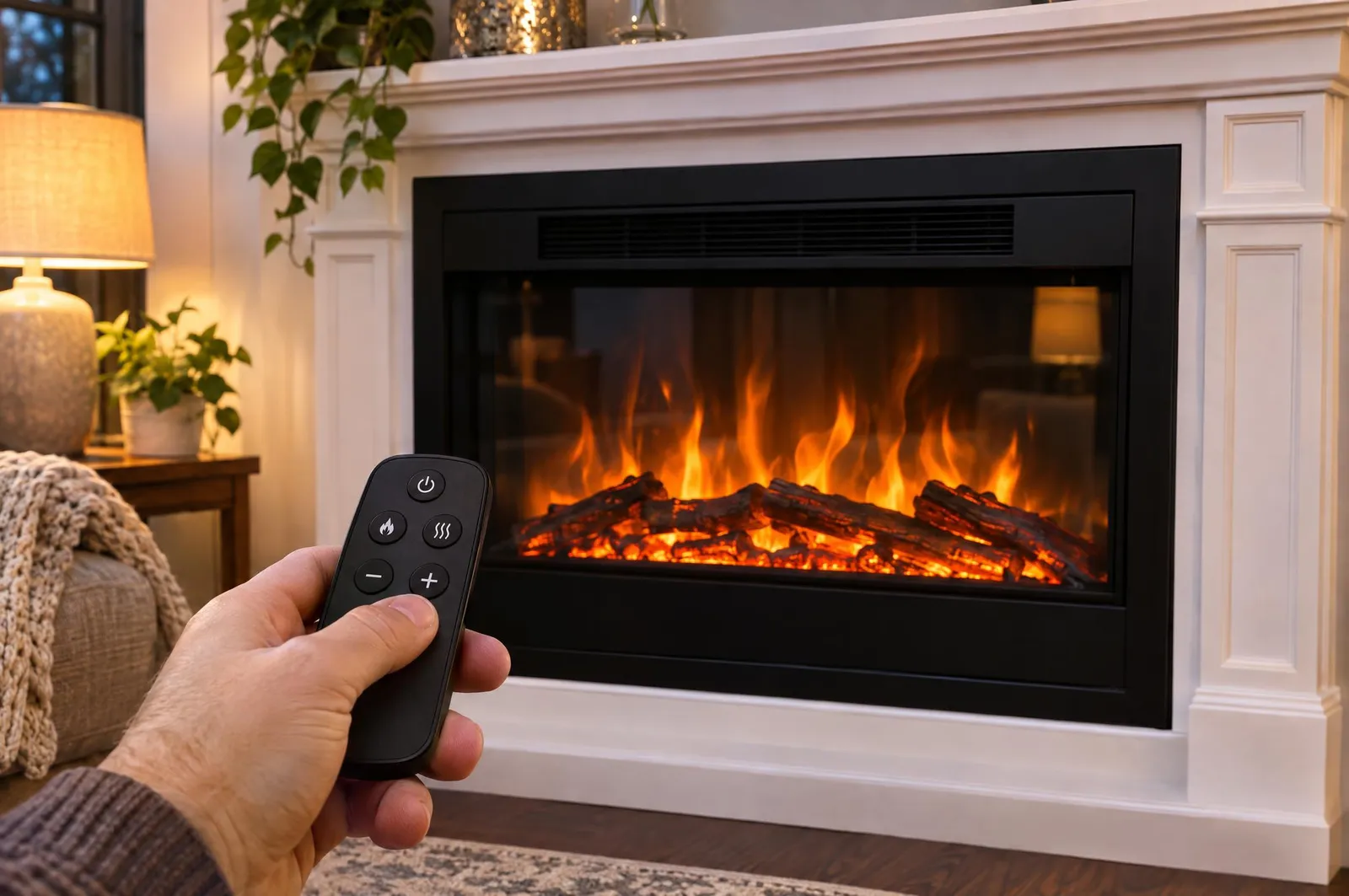
With the main switch on, point the remote at the front of the unit and press power. Most remotes share a similar layout:
| Button | What it usually does |
|---|---|
| Power | Turns the flame on and off; on some units it also turns off the heat |
| Flame | Turns the flame effect on and off, or cycles brightness levels |
| Heat / heater icon | Cycles off, low (about 750 W) and high (about 1,500 W) |
| Flame color / ember | Changes flame color or ember bed color on multi-color LED models |
| Thermostat or temperature arrows | Sets the target room temperature; the heater cycles to hold it |
| Timer | Shuts the unit off after a set time, often 30 minutes to 9 hours |
Buttons and labels differ by brand, so treat this as a map, not a promise. Your manual has the exact layout.
If the remote does nothing at all, swap the batteries before you assume anything else. Some remotes also need to be paired with the fireplace the first time, usually by pressing and holding a button while the unit powers up.
Step 3: Choose flame only or flame plus heat
This is the part most people don’t expect: flame and heat are independent. You can run:
- Flame only. The look of a fire with no heat. On most LED models it costs a penny or two an hour, which makes it a good year-round setting.
- Flame with heat. The usual winter setting. On high, at about 17¢ per kWh, a 1,500 W heater costs about 26¢ an hour.
- Heat only. Some models allow it; many don’t let the heater run without the flame on.
When you turn the heater on, you’ll hear the fan start, and warm air should come from the vent within a minute or so. If you’ve set the thermostat below the current room temperature, the heater may not kick in at all. Raise the setpoint a few degrees and listen for a click. Wondering about the cost of longer runs? See how much electricity an electric fireplace uses.
How to turn on an electric fireplace without the remote
Almost every electric fireplace has a manual control panel for exactly this. Look for:
- A row of buttons behind the same panel that hides the main switch, usually at the top right or bottom of the front.
- A touch panel on the glass or trim. On many wall-mounted models it lights up when you touch it, so it’s invisible when the unit is off.
- Buttons on the top or side of freestanding stoves and smaller inserts.
The panel usually mirrors the remote: power, flame, heat, and sometimes a timer. Press power first, then add heat. On simple older units, the “control panel” is just two rocker switches, one for the flame and one for the heater.
No panel at all? Check whether your model uses an app. WiFi and Bluetooth units, like our smart 50″ recessed and wall-mounted fireplace, can be controlled from a phone once they’re paired. Lost the remote for good? The manufacturer can usually sell a replacement, and some brands use universal fireplace remotes.
What to expect the first time you turn it on
A light burning smell. New heating elements carry a protective coating and manufacturing residue that burns off the first few times the heater runs. It typically fades within an hour or after a few sessions. Open a window and let it run on high for a while. The same smell can return briefly each fall as a summer’s worth of dust burns off.
A strong plastic or electrical smell, smoke or a buzzing sound is not normal. Turn it off, unplug it, and contact the manufacturer or the store you bought it from.
Some clicking. A soft click as the heater turns on and off is the thermostat relay doing its job. Light ticking as the metal warms is normal too.
Fan run-on. Many units keep the fan going for a minute or two after you shut off the heat, to cool the element. Let it finish before you unplug.
Why it may not turn on
If you’ve worked through the steps above and get nothing, check these in order:
- Is the plug fully seated, and does the outlet work? Test it with a lamp.
- Is the main power switch on? It’s easy to flip it the wrong way.
- Has the breaker tripped? Look for a breaker sitting in the middle position.
- Is the outlet a GFCI that tripped? Press reset on it, or on another GFCI on the same circuit.
- Are the remote batteries fresh, and is anything blocking the receiver?
- Did the overheat cutoff trip? Unplug for 5 to 10 minutes, clear the vents, then try again.
For specific symptoms like flame but no heat, a flame that won’t move, a tripping breaker or error codes, our electric fireplace troubleshooting guide goes through each one. Bought from us and still stuck? Contact us with the model name and what you’re seeing, and we’ll help you sort it out.
Turning it off safely
Press power on the remote or panel and let the fan finish its cool-down. If you’ll be away for a while or it’s the end of the season, flip the main switch off too, then unplug it. Before you leave it running overnight, read can you leave an electric fireplace on all night; the short version is to use the timer and never cover the heater.
FAQ
Why won’t my electric fireplace turn on?
Most often the main power switch is off, the remote batteries are dead, or a breaker or GFCI outlet has tripped. An overheat cutoff can also shut it down; unplug it for 5 to 10 minutes and try again. If it’s still dead, see our troubleshooting guide.
Do electric fireplaces have a pilot light?
No. Pilot lights belong to gas fireplaces. An electric fireplace has no flame to light. You turn it on with a switch, a button or the remote, and the “flame” is LED light or a projected effect.
Why does my electric fireplace turn on by itself?
Usually it’s the thermostat or a timer doing what it was set to do: in thermostat mode, the heater kicks on when the room drops below the setpoint. App schedules, a neighbor’s remote on the same frequency, or a unit that resumes after a power blip can also cause it. If none of those fit, turn the main switch off and contact the manufacturer.
How do I turn off just the heat on an electric fireplace?
Press the heat button until the heater indicator goes out, usually cycling high, low, then off. The flame keeps running. On models with a thermostat, you can also lower the setpoint below room temperature.
Can I turn on an electric fireplace with no power?
No. An electric fireplace needs house power to run the flame and heater. During an outage it stays off; turn it off at the main switch so it doesn’t surge back on when power returns.
Shop the guide
All electric fireplaces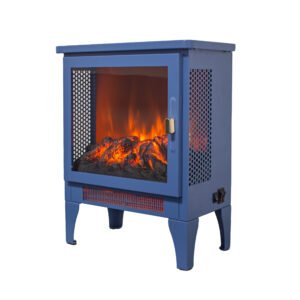


We write our guides from manufacturer specs and published safety standards, and update them when specs change. Spotted something out of date, or need help with your room? Ask us.